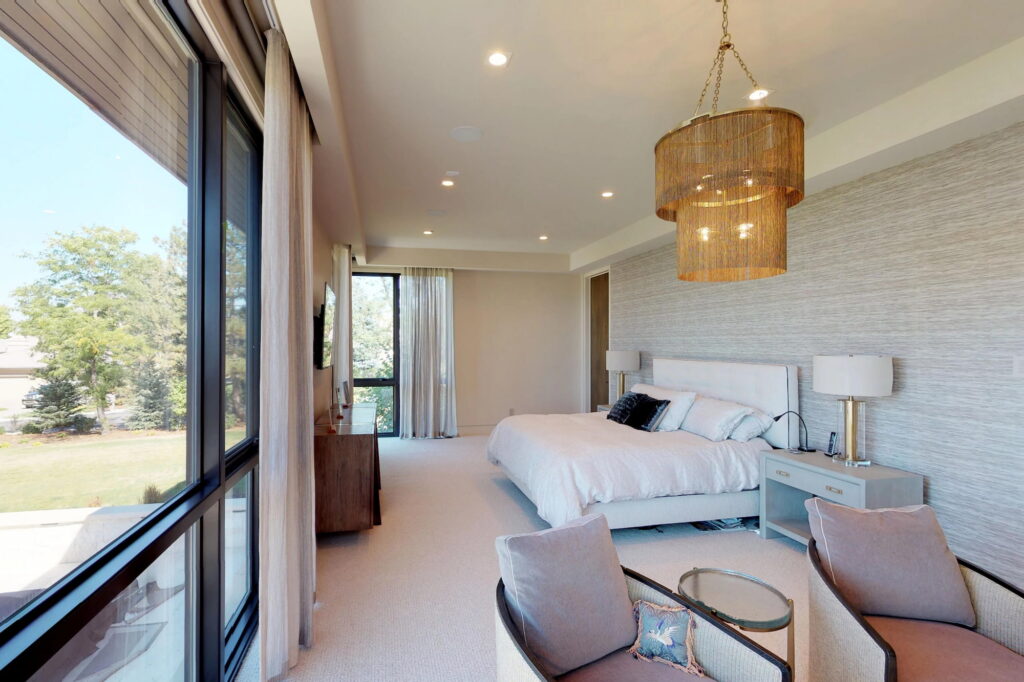
Before going to bed, most people make a quick round through the house. You check that the back door is locked and switch off the kitchen lights someone forgot about. It only takes a few minutes, but it’s easy to miss something when you’re tired. With a home automation system in North Port, that whole routine can run from a single button on your nightstand.
Your house can also keep working after you fall asleep, from adjusting the temperature to sending an alert if something needs your attention. In today’s blog, we’re breaking down what a smart house can take care of overnight and how to set it up so it fits the way your household winds down.
What should a goodnight scene control?
A bedtime scene should handle everything you’d normally check on your way to bed: lighting, door locks, the garage, window shades, the thermostat, and any TVs or speakers that are still on. If you have a security panel, the scene should arm it too. The idea is to replace your nightly walk-through with one action you can trigger from a keypad by the bed or from your phone.
The most useful goodnight scenes are built around how your household actually gets ready for bed. A family with teenagers who stay up late may want the scene to leave the den and kitchen alone, while someone who lives alone might want every light in the house off at once. It’s worth thinking through your own evening before deciding what to include.
Lighting
Lights are usually the first thing people want handled. A scene can turn off lights in common areas and dim the bedroom gradually over a few minutes. Exterior lights can stay on at a lower level or follow their own timer.
It’s also a good idea to plan for overnight trips to the kitchen or bathroom. Motion sensors can bring hallway or bathroom lights up to a dim level when someone gets up, then turn them back off after a few minutes. That way, nobody has to fumble for a switch or get hit with full brightness at 2 a.m.
Connected lighting controls can also tell you what’s going on after everyone is supposed to be asleep. You can check which lights came on overnight, or get a notification if a light turns on in a certain room after a set time. Parents of young kids can use this to find out if a child is up and playing when they should be in bed.
Locks, the garage, and security
This part of the scene matters most for safety. Smart locks can lock any door that was left unlocked, and a garage door controller can close the garage if it’s still open. If a sensor shows something open that the scene can’t close, like a window, a well-designed setup will let you know before you go to sleep.
Many security panels also offer a night mode that arms the doors and windows while leaving some or all of the interior motion sensors off, so you can move around inside without setting off the alarm. Adding it to your bedtime scene means one less thing to remember.
Shades
Motorized shades can close as part of the scene, so you’re not walking from room to room pulling cords. In bedrooms, blackout motorized shades block light from streetlights and the early sunrise, which is especially helpful in summer when the sun comes up well before 7 a.m. You can also schedule them to open slowly at a set time in the morning.
Waking up to light that builds gradually is much less jarring than a loud alarm. If it’s still dark outside when you need to get up, your bedroom lights can be set to brighten slowly instead, or along with the shades.
TVs, audio, and everything else
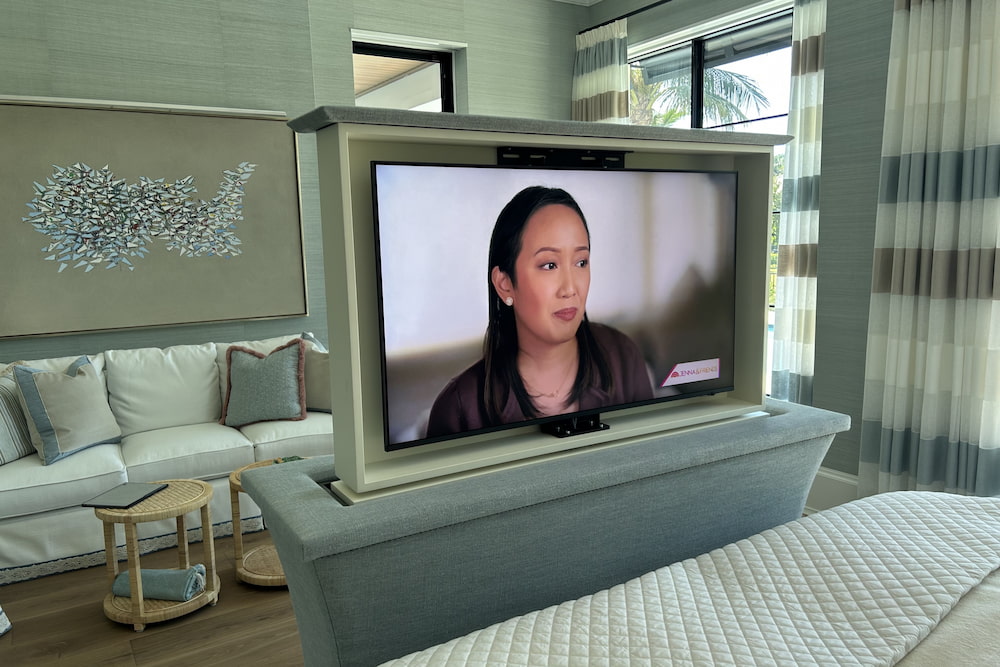
It’s easy to forget about the TV in the living room or music still playing on the patio. A bedtime scene can turn off audio and video equipment throughout the house, along with things like gas fireplaces or ceiling fans in empty rooms if they’re connected to smart controls. Some people also like the scene to start white noise or a sleep playlist in the bedroom at a low volume and shut it off after an hour.
Can climate settings adjust overnight to save energy?
Yes. A smart thermostat can follow a nighttime schedule that changes the temperature after you go to bed and brings it back before you wake up. According to federal guidance on thermostat setbacks, adjusting your thermostat 7° to 10°F from its normal setting for eight hours a day can save as much as 10% a year on heating and cooling.
Bedtime is one of the easiest places to find overnight energy savings, since you’re asleep for most of those hours and less likely to notice a small temperature change. In Southwest Florida, that usually means letting the house get a little warmer at night during the cooling season. How far you can go depends on what’s comfortable for sleeping, so many people start with a change of two or three degrees and adjust from there.
How an overnight schedule works
Most smart thermostats let you create a sleep period with its own temperature. The thermostat switches to that setting at bedtime and goes back to your normal temperature shortly before your alarm, so the house is comfortable when you get up. Some models also learn how long your air conditioning or heat takes to reach the target and start early so it’s ready on time.
You can also connect the climate change to your bedtime scene. When you press the goodnight button, the thermostat moves to its overnight setting right away, which works better than a fixed schedule if your bedtime changes from night to night.
Humidity and comfort in a warm climate
In a humid climate, it’s worth watching indoor humidity as well as temperature. Air conditioners remove moisture as they cool, so running them less overnight can let humidity creep up. If the house feels sticky in the morning, a smaller overnight change or a thermostat that can manage humidity may work better than a large temperature jump.
Heat pumps need a little extra attention on cooler winter nights. The Department of Energy notes that setting back a heat pump in heating mode can make it run inefficiently and cancel out the savings, although some newer thermostats designed for heat pumps handle this better. If your house uses a heat pump, ask your installer how the overnight schedule should be set during the heating months.
Zoning and shades
If your house has more than one climate zone, you can keep the bedrooms comfortable while letting unused areas, like the living room and guest room, drift further from their daytime settings. In larger houses, this gives you more room to cut energy use overnight without making anyone uncomfortable.
Shades can help, too. Many people set their shades to close automatically at sunset. Lowering them adds a layer of insulation at the windows, and you won’t feel like you’re living in a fishbowl once the lights are on inside. They can then open on their own when it’s time to get up. Keeping them closed until then, especially on east-facing windows, slows down how quickly the house warms up after sunrise
Can home automation systems alert you to problems during the night?
Yes. Connected sensors can notify your phone, sound an alarm, or both when something goes wrong while you’re asleep. The bigger question is which problems are worth waking up for and which ones can wait until morning.
Common overnight alerts
Here are some of the most common problems a connected setup can catch at night:
- Water leaks: Sensors under sinks, behind the washing machine, near the water heater, and next to the AC air handler can catch a leak before it spreads across the floor.
- Smoke and carbon monoxide: Connected detectors can send an alert to your phone in addition to sounding locally, which matters if the alarm is at the other end of the house.
- Doors, windows, and outdoor activity: Sensors and cameras can flag a door opening after the house is armed or a person moving near the back patio at 3 a.m.
- Temperature: A thermostat or temperature sensor can alert you if the AC stops working and the house starts heating up, or if a refrigerator or freezer gets too warm.
- Power and internet outages: Monitoring devices can tell you when the power or internet goes down, which is important because many devices need a connection to send alerts at all.
- Garage doors: If the garage opens overnight or was never closed, you can get a notice and close it from your phone.
Deciding what should wake you up
Not every alert should wake you up. A garage door left open or a device that’s gone offline can usually wait until morning, while smoke, carbon monoxide, a water leak, or a possible break-in can’t. Most apps let you set priority levels, and some can send critical alerts that come through even when your phone is on Do Not Disturb. Setting this up carefully keeps you from getting so many notifications that you start ignoring them.
It also helps to decide who gets each alert. In a household with two adults, both phones might get security and smoke alerts, while only one person gets notices about the network or a low sensor battery.
Responses that happen on their own
Alerts are even more useful when the house can respond without waiting for you. Some setups pair leak sensors with a motorized shutoff valve that closes the main water line as soon as water is detected.
A smoke alarm can be programmed to turn on lights along the path to the exits and shut off the air handler so smoke isn’t pushed through the ducts. Some people also have the exterior lights flash on and off when smoke is detected, which can help firefighters find the right house. If you set this up, make sure there’s an easy way to turn the flashing off once crews arrive, since it can be distracting while they work. If a camera detects someone near the house, the exterior lights can switch to full brightness.
All of this depends on the devices behind it. A dead sensor battery or a hub that has lost its connection can mean a warning never reaches you. Testing your sensors a couple of times a year and replacing older equipment that’s starting to fall behind keeps your overnight setup dependable.
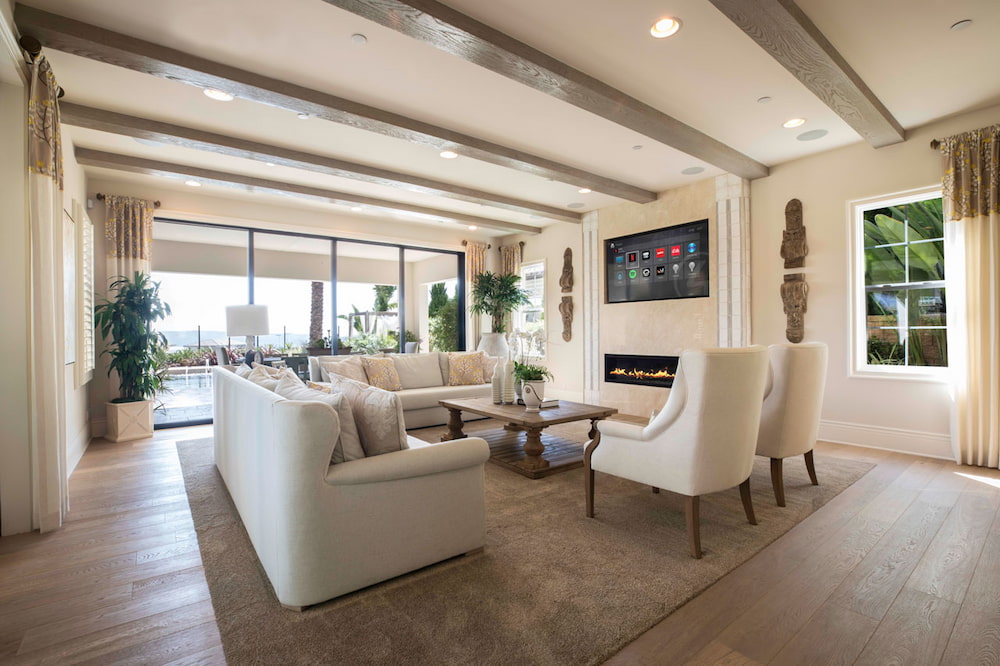
Who can help me set up a smart home automation system in North Port?
Our team at Liaison Technology Group can help you with that. If you’re tired of checking the doors twice before bed, or you’d like to know when one of the kids is up past bedtime, we can set that up for you. Tell us how your evenings usually go, and we’ll build your bedtime button and alerts around it.
We’re an authorized dealer for Crestron, Control4, Savant, and Lutron, and new installations come with a one-year Platinum Level Service Agreement. Our support team is available 24/7/365, so you’re not stuck waiting until morning if something stops working. If you live near CoolToday Park or anywhere else in Sarasota County, send us a message, and we’ll find a time to talk.