Leaving home usually involves the same quick checklist: lights off, doors locked, thermostat adjusted, and one last look at the garage. A well-planned automation setup can handle much of that routine instead of relying on you to remember every step.
A home automation system in Chicago can connect lighting, climate, shades, security, and other features so they respond together when the house shifts into an away setting. You still choose what should happen, but the system can repeat that routine whenever you leave.
What can a smart home do when everyone leaves?
An away routine can change several parts of the house at once. The exact setup depends on how you live, which systems you have, and what you want to happen while the property is empty.
1. Lights can turn off or switch to an away schedule
Automated lighting can shut off rooms that no longer need light once everyone leaves. Exterior fixtures or selected interior lights can still follow schedules so the house doesn’t stay dark from afternoon through evening.
This also prevents a basement, closet, or upstairs light from staying on all day. One command or programmed event can handle every light included in the routine.
2. Shades can change for privacy and sunlight
Motorized shades can close for privacy, adjust to reduce direct sun, or follow a schedule based on the time of day. Different windows may need different settings depending on their exposure. A west-facing room may need more shading later in the afternoon, while another area can stay open to natural light without creating glare or excess heat.
How can a smart home protect the property while you’re away?
Security becomes more useful when cameras, locks, sensors, and alerts work as part of the same setup. An away mode can prepare those systems as you leave instead of making you check each feature separately.
1. Locks, gates, and security settings can change together
A smart security system can confirm selected entry points, arm sensors, and bring cameras into the same control environment. If the garage or gate is connected, those areas can become part of the leaving routine too.
Not every door should lock automatically in every household. The setup should account for children, housekeepers, dog walkers, or other regular visitors who may need access after you leave.
2. Alerts can tell you when something needs attention
Cameras, door contacts, motion sensors, and other connected devices can send notifications when they detect activity or another condition you’ve chosen to monitor.
Useful alerts should be specific enough to matter. Constant notifications become easy to ignore, while better settings help you focus on events that may need a closer look.
3. You can manage package deliveries remotely
Smart home security can also help you manage deliveries while no one is home. Cameras let you see when a driver arrives, and remote access gives you options beyond simply receiving a delivery notification.
If your garage door is integrated into the system, you can open it remotely so a driver can place a package inside rather than leaving it exposed on the porch. Once the delivery is complete, you can close the door again and confirm through your cameras that the property is secure.
Can automation reduce energy use while the house is empty?
Heating, cooling, lighting, and shading don’t always need to operate the same way when nobody is home. Smart climate control can adjust the indoor temperature around an away schedule and return to a comfortable setting before you get back.
1. The thermostat can follow occupancy or a schedule
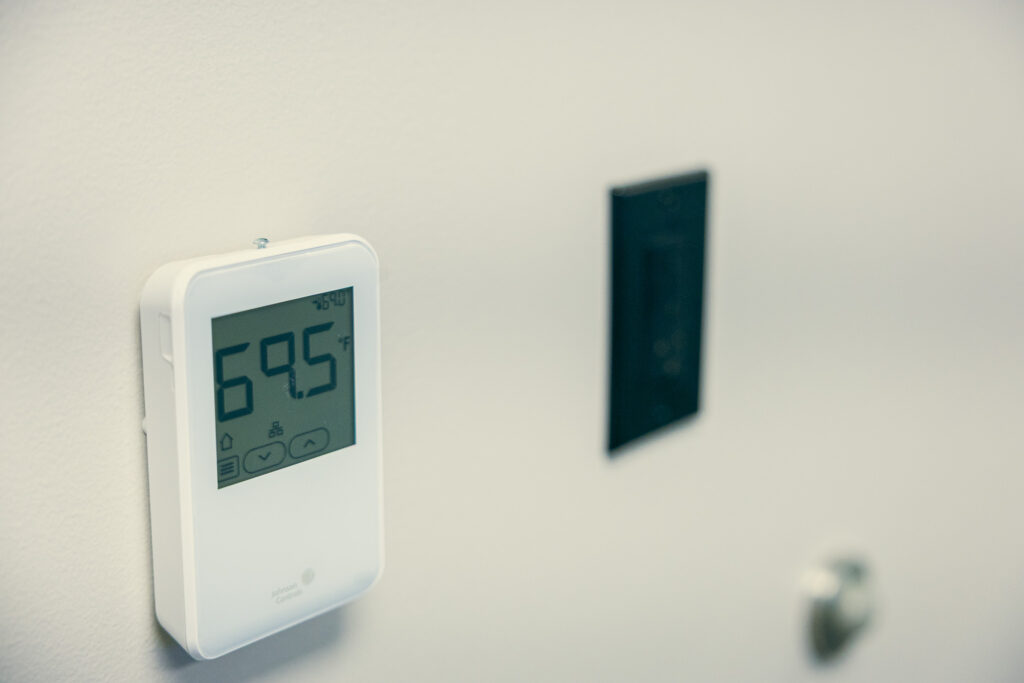
Programmable and smart thermostats can automatically change temperature settings when occupants are away, so the HVAC system doesn’t have to heat or cool an empty house exactly as it would during occupied hours.
A connected thermostat can also join a broader routine. Leaving the house can trigger a temperature change at the same time as lighting and security adjustments.
2. Lighting and shades can support the same routine
Energy management isn’t limited to the thermostat. Lights that shut off automatically reduce unnecessary use, while shades can help manage direct sunlight in rooms that tend to heat up during the day.
Large windows, room orientation, season, and interior materials can all affect whether it makes sense to open, close, or partly lower a shade while you’re away.
What should happen before you come home?
Automation doesn’t have to wait until you walk through the door. Some settings can change ahead of your arrival so the house is ready without running at occupied settings all day.
1. Climate settings can return before you arrive
If your schedule is fairly consistent, the thermostat can begin returning to your preferred temperature before you get home. That avoids conditioning an empty house all day or walking into a space that’s too warm or too cold.
For schedules that change often, remote control can still help. You can make an adjustment from your phone before leaving work or while you’re on the way back.
2. Entry lighting can make arrival easier
Outdoor lighting, pathway lights, or selected interior fixtures can come on around your usual arrival time or respond to other programmed conditions. That can make the entrance easier to navigate after dark without leaving those lights on all afternoon, especially when you arrive with your hands full of groceries, packages, or other items.
An arrival scene can also restore settings that changed when you left, so you don’t have to reverse each one manually. That kind of coordination can keep the technology in the background, with routine changes happening without asking you to manage each setting separately.
How do you decide what your away routine should include?
A useful away routine starts with what you already do before leaving. Automation works best when it removes repeated steps rather than adding features simply because the technology supports them.
1. Start with the actions you repeat every day
Think about what you check before walking out: which lights you turn off, whether you lower the temperature, what happens to the shades, and which doors or gates need attention. Those repeated actions give the system designer a practical starting point.
These routines are also easier to plan when the technology is considered early, especially when you’re planning home automation in a new build and can account for wiring, controls, and connected systems before construction wraps up.
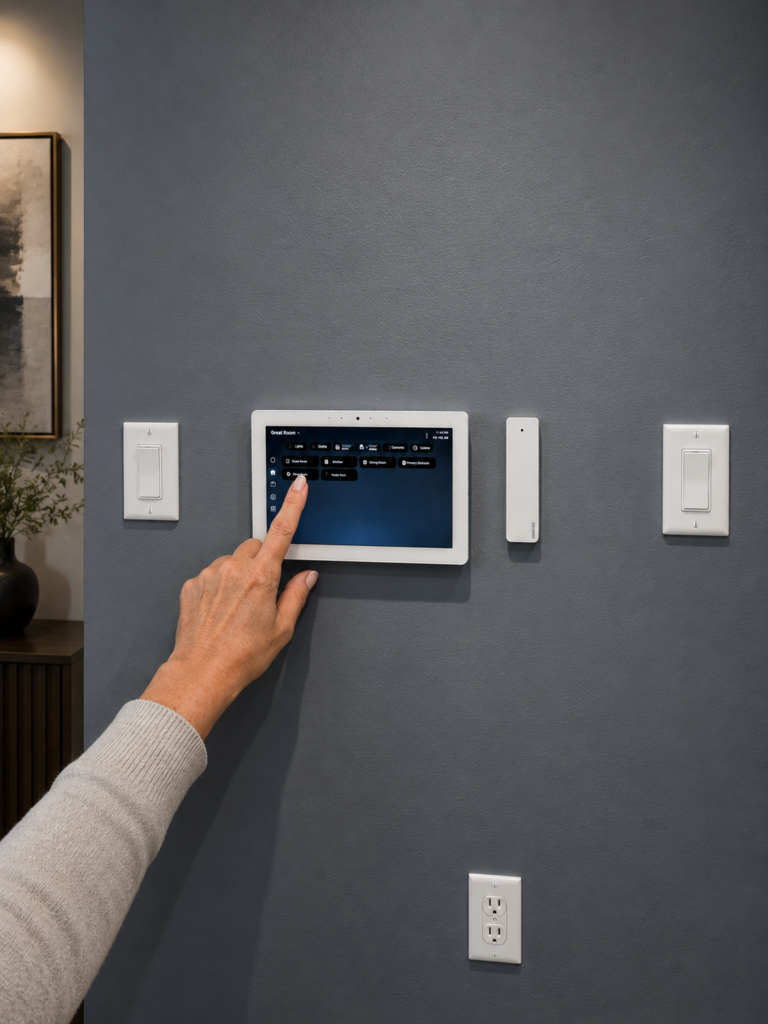
Smart home scenes can group the right actions together. A keypad, app command, or programmed trigger can start the sequence without requiring several separate controls.
2. Keep manual control available
Schedules won’t cover every day. Someone may stay home, guests may visit, or you may leave at a different time than usual. The routine should be easy to override without forcing you to reprogram the whole system.
Remote access also lets you check or adjust settings after you leave. Automation handles the repeatable parts, while direct control remains available when the day changes.
Who can design a reliable home automation system in Chicago around your daily routine?
Liaison Technology Group designs and supports connected residential technology, from lighting control and motorized shades to climate, surveillance, audio, video, and home networking. Remote maintenance and around-the-clock support also give clients a way to get help after installation.
For projects near Maggie Daley Park and elsewhere in Chicago, Liaison can build an away routine around what you actually want the house to do when nobody is there. Contact us today to see what we can do for you!